Photographing Your Work for a Blog Post


You can write a brilliant post about a hand-thrown bowl, a quilt or a scale model, and a single dark, blurry photo will still make readers scroll past. Pictures are the first thing people see and often the thing they judge a post by. The good news: you do not need a studio, a fancy camera or a big budget to photograph your work well. You need decent light, a calm background and a little patience.
This is our practical, phone-friendly guide to taking photos that make a blog post about your work look as good as the work itself.
Start with light, because it does most of the work
Light matters more than the camera. A recent phone in good light will usually beat an expensive camera in bad light. For most handmade objects, the best light is soft daylight from a window, without direct sun falling on the piece.
- Use a window to the side. Place your work beside a window rather than in front of it. Side light shows texture: brush strokes, wood grain, the weave of fabric.
- Avoid harsh sun. Direct sunlight creates hard shadows and blown-out highlights. If the sun is shining in, hang a thin white sheet or baking paper over the window to soften it.
- Turn off the room lights. Mixing warm ceiling bulbs with cool daylight gives you odd colour casts that are hard to fix later.
- Fill the shadows. A sheet of white card or foam board on the side opposite the window bounces light back and lifts dark areas. It is the cheapest lighting gear there is.
Shoot at the same time of day for a whole project if you can. Light changes colour and strength through the day, and consistent light makes a series of photos look like they belong together.
Choose a background that lets the work speak
The background should support your piece, not compete with it. A plain wall, a large sheet of paper, a clean tabletop or a length of linen all work. For small objects, a "sweep" is easy to build: tape a large sheet of paper to a wall and let it curve down onto the table, so there is no visible line where wall meets surface.
Think about contrast. Pale ceramics often look best against a mid-grey or a darker wood. Bright, colourful work usually shines against white or neutral tones. If you are unsure, try two backgrounds and compare them side by side on your phone.
Props can add warmth, but use them with restraint. A cup of brushes next to a painting tells a story. Five props, a plant and a cat turn it into a lifestyle shoot where the painting gets lost. A good rule: if you notice the prop before the work, remove it.
Frame the shots a reader actually needs
For a blog post, one beautiful photo is not enough. Readers want to understand the object: its size, its surface, how it is put together. Plan a small set of shots for each finished piece:
- The hero: the whole piece, straight on or at a flattering angle, with space around it. This often becomes your cover image.
- The detail: a close-up of the texture, a seam, a joint or a signature mark.
- The scale shot: the piece in a hand, on a shelf, or next to a familiar object, so readers can judge its size.
- The back or underside: makers love seeing how things are finished where nobody usually looks.
- In use: the mug with coffee in it, the bag on a shoulder, the print on a wall.
Hold the phone steady, tap to focus on the most important part, and lower the exposure slightly if bright areas look washed out. Avoid digital zoom, which mostly enlarges blur; move closer instead. Keep the lens clean, too. A quick wipe with a soft cloth fixes more "my photos look hazy" problems than any setting.
Photograph the process as well as the result
If you are writing a process post, you need images from the middle of the work, not just the end. These do not have to be perfect. They have to be clear and consistent.
The single most useful trick is to pick one spot and one angle and return to it at every stage. Put a small piece of tape on the table where the phone or tripod sits. When readers scroll through photos taken from the same position, the change from stage to stage jumps out at them.
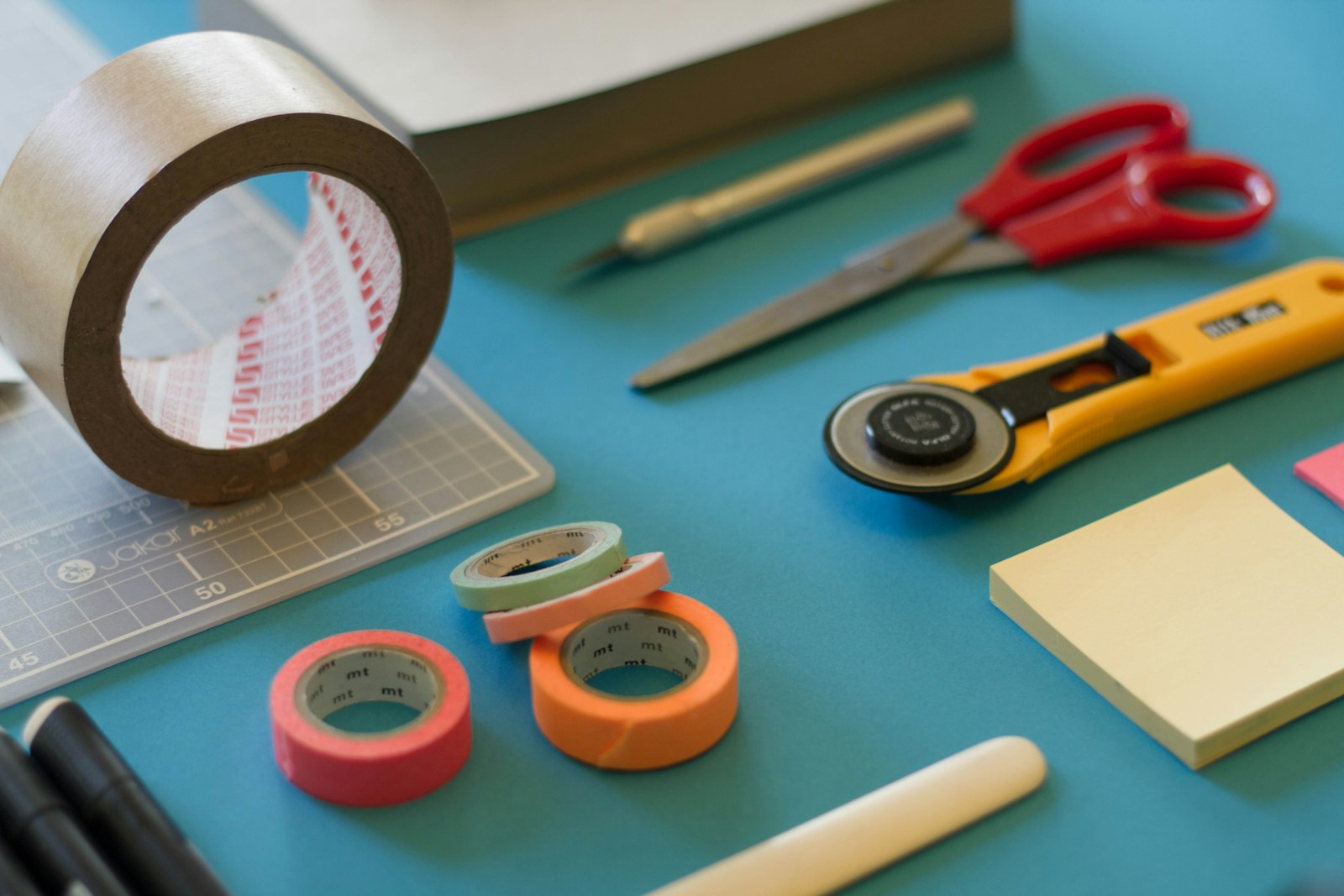
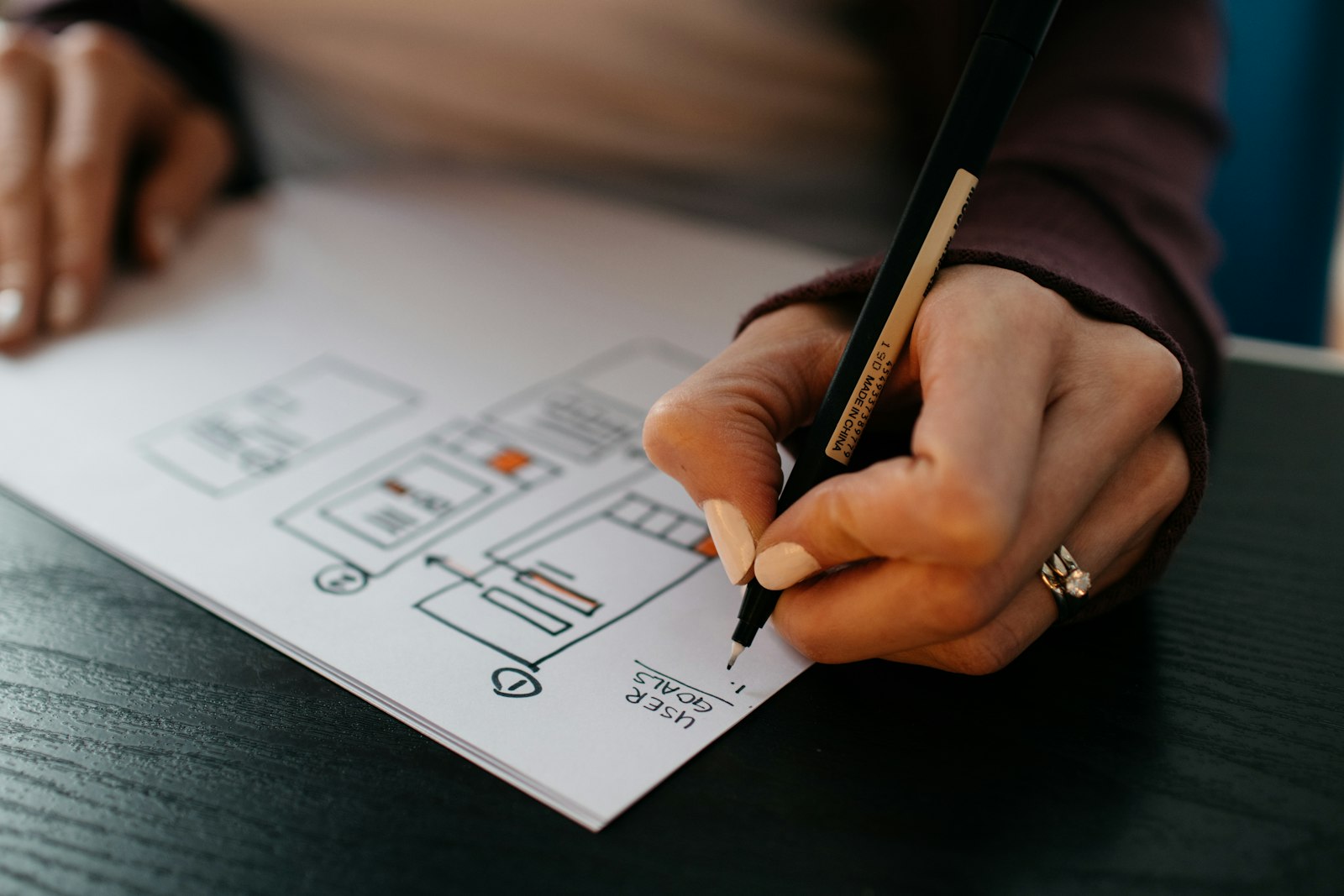
Capture your materials and tools laid out before you begin, too, and any sketches or plans. Those images help readers gather what they need and understand where you started. For a full system of notes and photos during a build, see documenting a project while you are still building it.
Edit lightly and keep the colours honest
A little editing helps; a lot of editing misleads. Readers who make things want to know what the piece really looks like, especially the colour. If someone tries your glaze recipe and gets a different blue than your photo shows, that is a broken promise.
A simple editing routine:
- Straighten and crop so the piece sits comfortably in the frame.
- Correct white balance so white things look white, not yellow or blue.
- Nudge exposure and contrast until it looks the way the piece looks in person.
- Skip heavy filters. They date quickly and hide detail.
Check your edits by holding the real object beside the screen. If they do not match, dial it back.
Put the photos to work in your post
Once you have your set, decide where each image goes. On WhizArts, every post can carry a cover image, and you can drop photos between paragraphs, so each picture can sit right next to the words that describe it. That pairing matters more than the number of photos. Three well-placed images beat fifteen dumped in a block at the end.
Before each image, write a sentence that points to what matters in it: "Look at the left edge, where the glaze pooled." It turns a pretty picture into a lesson.
Finally, only publish photos you took yourself or have permission to use. Our community guidelines are clear about crediting other people's work. And if you want to see everything a post can include, from covers to contents lists, the features page has the full tour.
Written by
WhizArts Editors
The WhizArts editors' own studio log: hands-on notes for makers and storytellers on documenting a build, writing process posts, photographing your work and sharing what went wrong.
- 6 posts

Comments 0
No comments yet. Be the first to share a thought on this post.